
App & Scalable Design System for iOS & Android

App Design Services I Provide
Has an Expert, I deliver custom scalable app design services for iOS, Android and Web with comprehensive design systems with full documentation.

Native iOS App Design
Native Android App Design
Cross-Platform App Design
SaaS & Web App Design
Progressive Web App (PWA) Design
Design System Creation
How I Build Custom Apps
Step by step, see all the stages necessary to build a scalable design app either for iOS, Android or Web has an expert
1. Strategic Research & Analysis
Includes: User interviews, competitor benchmarking, personas, user journey mapping
2. Information Architecture & App map
Includes: Content hierarchy, navigation strategy, URL structure, internal linking strategy
3. UX Design & User Flows
Includes: Wireframes, user flows, interaction patterns, conversion funnels
4. Visual Design & Design Systems
Includes: Brand design application, typography, color systems, component library, animations
5. Design Handoff & Dev Collaboration
Comprehensive Design Systems I Build
Building a scalable Design system, includes several stages necessary to design and document it with comprehensive design tokens. Check them below!
Color Design Tokens
- Semantic colors for text, border, surface, action highlights, etc
- Light and Dark mode variants
- WCAG 2.1 AA compliant
- Validated, accessible interactions for all users
Typography System
- Harmonious type scale built on mathematical relationships
- Font weights, sizes, line heights & letter spacing defined
- All use cases: headlines, body text, captions, labels
Spacing, Layout & Breakpoints
- Spacing scale with Fibonacci sequence (multiples of 8)
- Margins, padding, gaps & sizes for visual harmony
- Clear breakpoints from small phones to large screens
Shadow, Border & Radius System
- Semantic elevation system using shadow tokens
- Border radius tokens, from subtle to rounded
- Depth relationships & visual hierarchy between layers
Iconography System
- Icon library with consistent style, weight & sizing
- Works seamlessly across iOS and Android
- Proper sizing for different pixel densities
Animation & Motion Tokens
- Guidelines with defined timing functions & durations
- Smooth, predictable transitions and micro-interactions
- Loading states, scroll reveals, expand/collapse & more
Component Library
- Reusable components: buttons, inputs, cards, modals & more
- All states: default, hover, active, focused, disabled, loading, error
- Light & Dark mode from color tokens
- User-controlled font scaling
Documentation & Design System
- Living, maintainable design system built in Figma
- Comprehensive usage guidelines with Do's and Don'ts
- Accessibility notes included throughout
- Ready-to-use code snippets
Platform-Specific Design Excellence
Both iOS and Android deserve their unique design and platform-native interactions so users feel the app was designed for their device

iOS Design (Human Interface Guidelines)
- Navigation:Tab bars, navigation stacks, modal sheets
- Interactions:Swipe gestures, haptic feedback, 3D Touch
- Design:Minimalist, content focused, more spacing, liquid glass.
- Safe areas:Notch, dynamic island, home indicator
- Fonts:San Francisco system font, optical sizing

Android Design (Material Design 3)
- Navigation:Bottom nav, navigation drawer, back button
- Interactions:Ripple effects, floating action buttons, system back
- Design:Bold colors, cards, shadows for elevation
- Safe areas:Support xxhdpi, xhdpi, hdpi screens
- Fonts:Roboto system font, flexible typography
Recent App Projects
Custom Mobile App projects i've worked with scalable design systems and performance optimization.
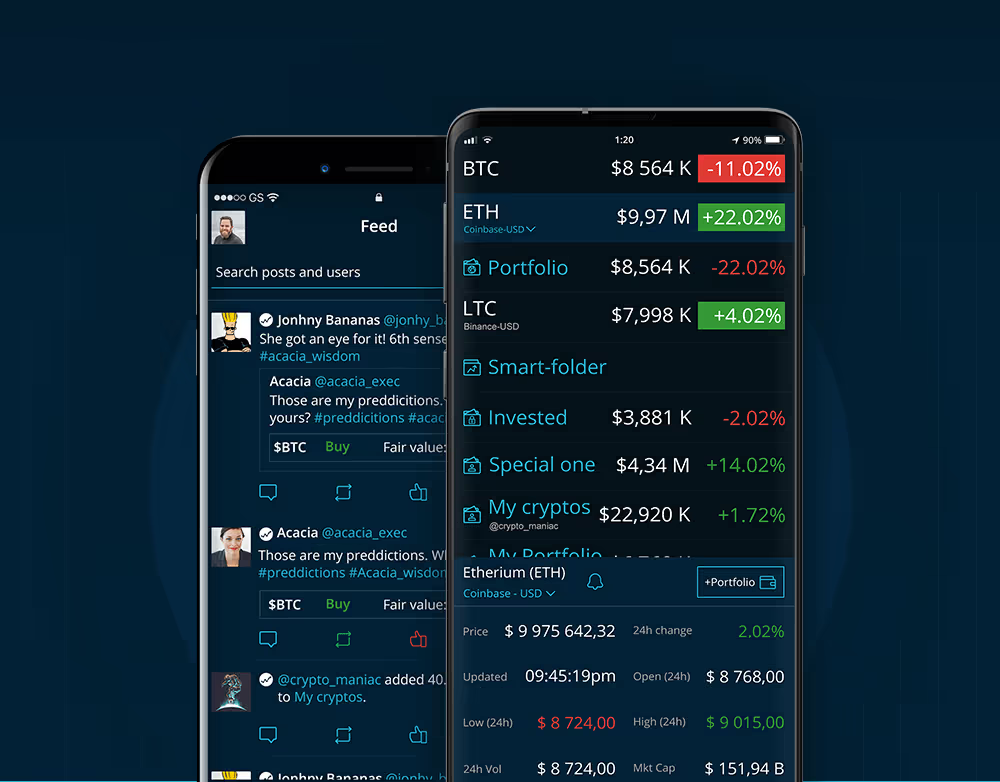
HODL Tracker
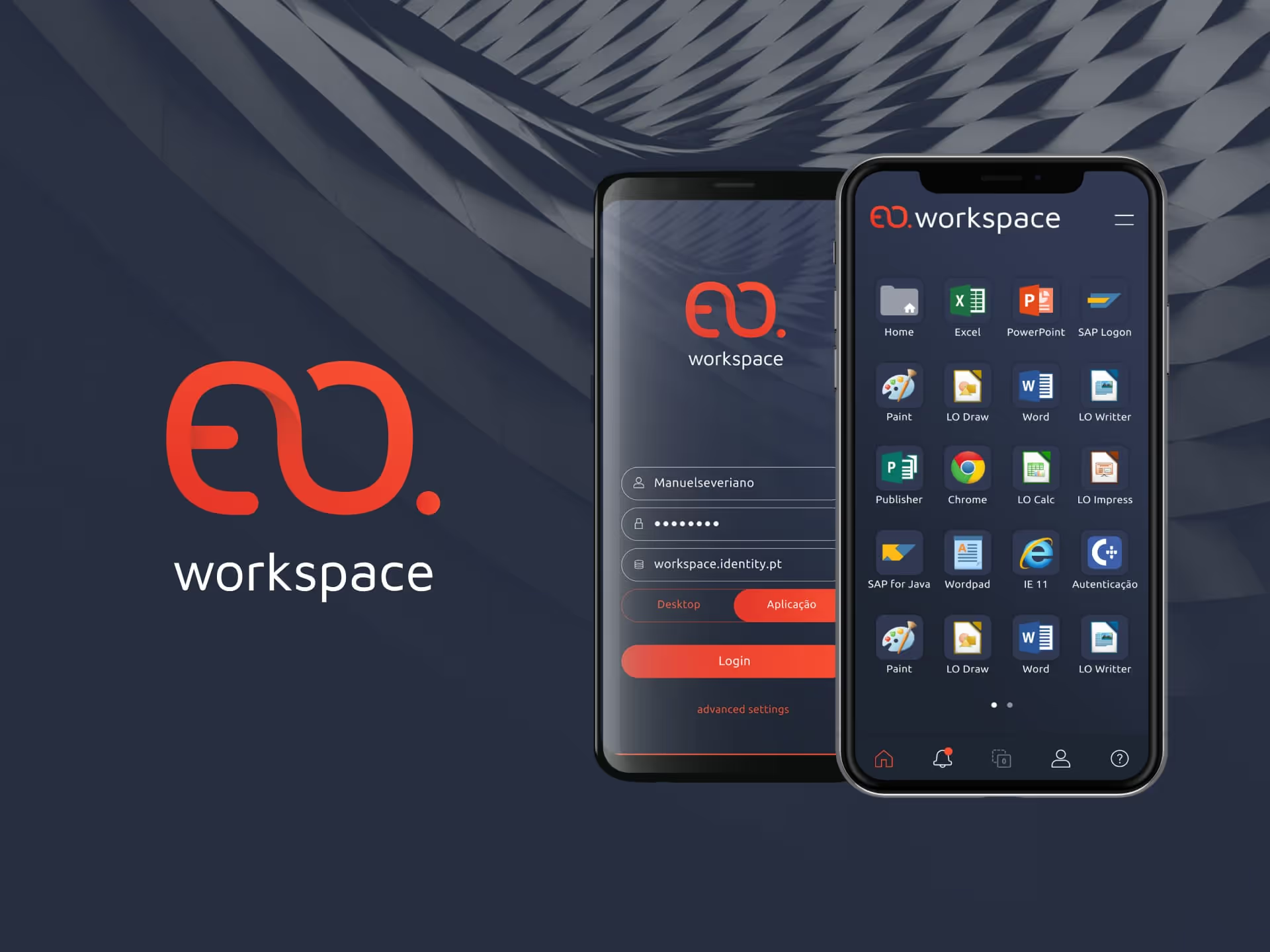
Enterprise Open
What Clients Say
Growing brands with every project I take on is my motivation. Here’s what my clients have to say about the journey.

"Gonçalo did a great service to me. I ask to update the design of my iOS applications, Convee and Finwizor. I worked with many designers and design companies, but my experience with Pathfinders was the best, because:
1) Experience on how to do the work. 2) Remote smooth communication. 3) Competitive price. 4) Great quality delivery. 5) Structured workflow of deliverables..."
"I worked with Pathfinders for some months and I highly recommend these guys. They are extremely professional, highly proactive and always focused on finding the best solution.
Thank you so much for your dedication, Pathfinders. Hopefully will have the chance to work together again soon."
"Pathfinders and I worked together for a development project that I was managing. They were responsible to design a new product flow, assuring that they would deliver the best UX/UI but also that the flow would be in accordance to the current Design System. The deliveries were on time and with minimal corrections. Communication and availability were perfect."


FAQS About Mobile Apps
Find the most frequent asked questions by clients when doing Mobile Apps.
App
What tools do you design and build apps with?
For development, simple apps can be built directly using Lovable, an AI-powered tool ideal for login flows, dashboards, CMS/database structures, and lightweight app logic.
For more advanced apps, development can be scoped and delivered through trusted partners using technologies such as React Native, native iOS/Android, or Django (for web apps).
Do you design booking apps?
Do you build e-commerce or membership apps?
How long does it take to design and build an app?
With development: Timelines vary by project, but can range from 6 months to over a year, depending on platform, complexity, and resources involved.
What industries have you worked in for apps?
Do you offer support after launch?
